
 Wim, Copandi
What the rules require for new-build prices
The basic rule is simple: a consumer must see the total price, including VAT. Since September 2026, new builds have a practical way to apply that rule.
The FPS Economy puts it like this: you show the price "in a legible, visible and unambiguous way", and that price is the total price, including VAT. For new builds, that clashed with practice. Whether a buyer pays 21% or 6% VAT depends partly on who the buyer is.
So the sector organisations (BIV, CIB, Federia and BVS) put forward a proposal. According to the BIV, the FPS Economy agreed to it on 2 September 2026. The agreement has three points:
- Excluding VAT stays the basis. You can sort by it.
- Including 21% VAT is always added. As a fixed field, next to the price excluding VAT.
- Including 6% VAT is added where possible. If 6% applies to the property, you show both VAT-inclusive prices.
Both prices appear directly after each other and in the same field of view.
The arrangement only applies to new builds and major renovations. It applies to everyone who offers such a property: developers, agencies, but also private individuals, notaries and land surveyors. According to the BIV, you do not need to include registration duties, including on a share of the land.
This article is not legal advice. If you have doubts about your own project, ask your notary or legal adviser.
How to show it: overview and detail
On an overview, use a price range. On the project or unit page, use a price table with VAT-inclusive prices.
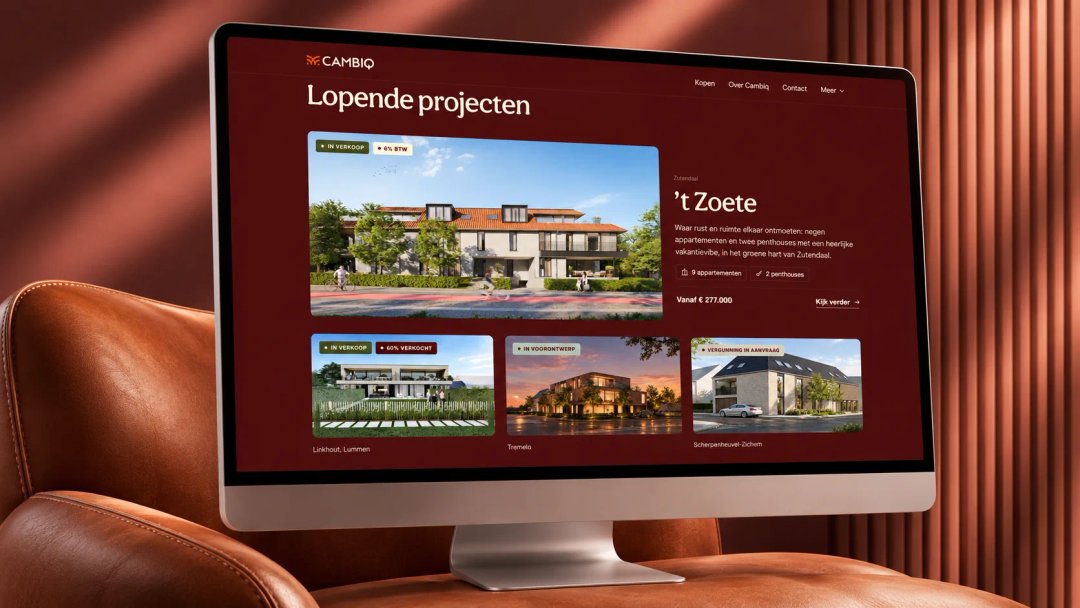
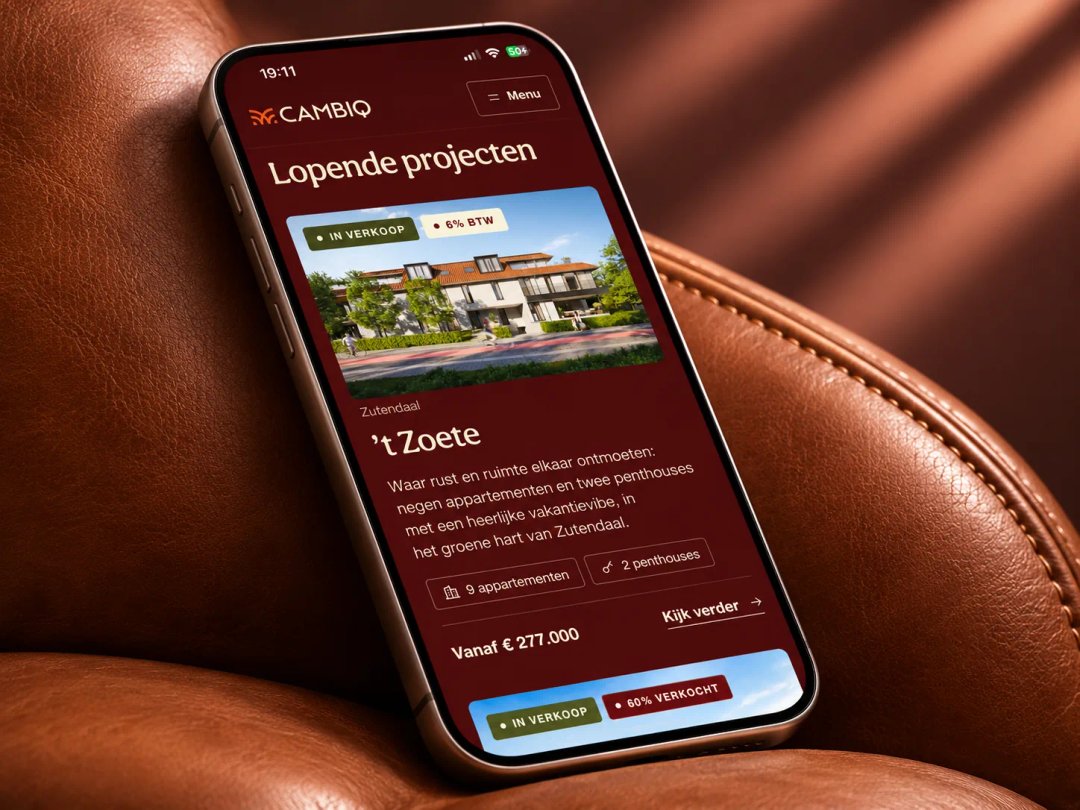
- Overview page. A price range per project is fine, excluding and including VAT. For example: from €250,000 to €350,000 excl. VAT, or from €302,500 to €423,500 incl. 21% VAT.
- Project page. The price table gets extra columns with the price including 21% VAT and, where possible, including 6% VAT.
- Explaining 6%. The BIV writes that the Economic Inspectorate would prefer a button leading to a page that explains the conditions for 6%. A link to the explanation from the FPS Finance is the obvious choice.
If you mention a price in a free text field, such as a "from" price in your project description, give the VAT-inclusive price there too. The BIV recommends this.
Your units are usually also on Immoweb, Zimmo and Immovlan. The sector organisations have asked CRMs and portal sites to provide the new fields. So check whether your CRM has a field for the inclusive prices, and fill it in.
Availability and status of units
For each unit, show whether it is still for sale.
Three statuses are usually enough:
| Status | What you show |
|---|---|
| Available | Price excluding and including VAT, floor plans, a button to book a viewing. |
| Under option | The unit stays visible, with the label "under option". |
| Sold | The unit stays visible as sold, without a price. |
Keep that status up to date, ideally from one source: your property CRM. If you are an estate agent, the BIV's code of ethics also applies: you must not mislead anyone in your advertising about the availability and essential features of what you offer. A unit that sold long ago but still shows as available online is exactly what you want to avoid.
EPC for new builds
For a new-build unit, you often don't have an EPC yet at the time of sale. Then you can't mention it either.
The Flemish government explains it like this. Up to 12 months may pass between occupation or completion and the EPB declaration. As long as the EPC for new builds isn't available, you can't publish the mandatory details. In an inspection, you must be able to show that the EPC doesn't exist yet because that period is still running.
If the EPC for new builds is available, state this in your advert and on your website:
- The label or the energy score. For a home with a new-build EPC issued after 1 January 2021, choose the label (A+ to F) or the score that label is based on.
- The address or the unique code. The full address with house or box number, or the EPC's unique code.
The Flemish Energy and Climate Agency (VEKA) carries out spot checks. If the information is missing or wrong, an estate agent risks a fine of €750 to €5,000, and an owner a fine of €500 to €5,000.
Example: a unit table for your project page
This is what a price table looks like under the agreement. All units and prices below are made up, as an example.
| Unit (example) | Type | Status | Price excl. VAT | Price incl. 21% VAT | Price incl. 6% VAT |
|---|---|---|---|---|---|
| A | Apartment, 1 bedroom | Available | €250,000 | €302,500 | €265,000 |
| B | Apartment, 2 bedrooms | Under option | €300,000 | €363,000 | €318,000 |
| C | Apartment, 3 bedrooms | Available | €350,000 | €423,500 | €371,000 |
| D | Penthouse | Sold | - | - | - |
Below the table, add a button "When do you pay 6% VAT?" leading to the explanation of the conditions. Only show the 6% column for units where 6% is possible.
In this example, the VAT is calculated on the full price excluding VAT. How VAT works exactly in your project, you agree with your notary or adviser.
How to handle it with Habbi
A project website on Habbi, Salamander's website platform, pulls the units and their status from your property CRM. Change a status in your property CRM, and the website follows. Habbi shows what your property CRM passes on: if your CRM has fields for the price including 21% and 6% VAT, they come through. Habbi works with any property CRM, including your next one.
Read also